> For the complete documentation index, see [llms.txt](https://docs.membercounter.app/llms.txt). Markdown versions of documentation pages are available by appending `.md` to page URLs; this page is available as [Markdown](https://docs.membercounter.app/contributing/badges.md).
# Badges
Small marks on your profile that record what you have done for Member Counter.
A badge lives on your Member Counter profile, not on a server. Badges are cosmetic, they change nothing the bot does for your server.
## The badges
The bot shows them in this order.
| Icon | Name | How you get it |
| ---- | -------------- | ------------------------------------------------------------------------------------- |
| ❤️ | Donor | Donate to the project. Staff add the badge by hand. |
| 💎 | Premium | Granted automatically when a custom bot subscription is set up. |
| 🧪 | Beta Tester | Granted by staff for testing a build before its release. |
| 🌎 | Translator | Translate the bot on [Tolgee](https://tolgee.membercounter.app/). |
| 💻 | Contributor | Get a pull request merged in the [repository](https://github.com/member-counter/bot). |
| 🧠 | Big Brain | Suggest an idea that we end up building. |
| 🐛 | Bug Catcher | Report a bug that turns out to be real. |
| 🐱 | ??? | ??? |
| 🧬 | Folding @ Home | Granted by staff for folding for the Member Counter team. |
[How to contribute](/contributing/how-to-contribute.md) explains translating, code and donations in full.
## Where badges show
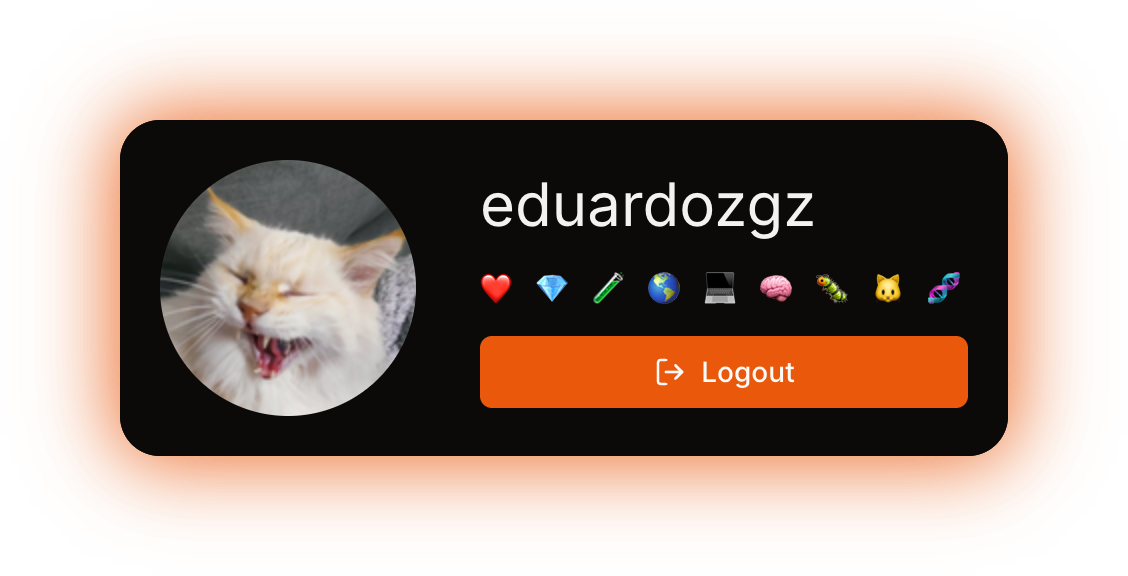
On the [account page](/using-the-dashboard/account.md), your badges sit under your username. Hover one to read its description.
Your badges on the account page, with one description shown
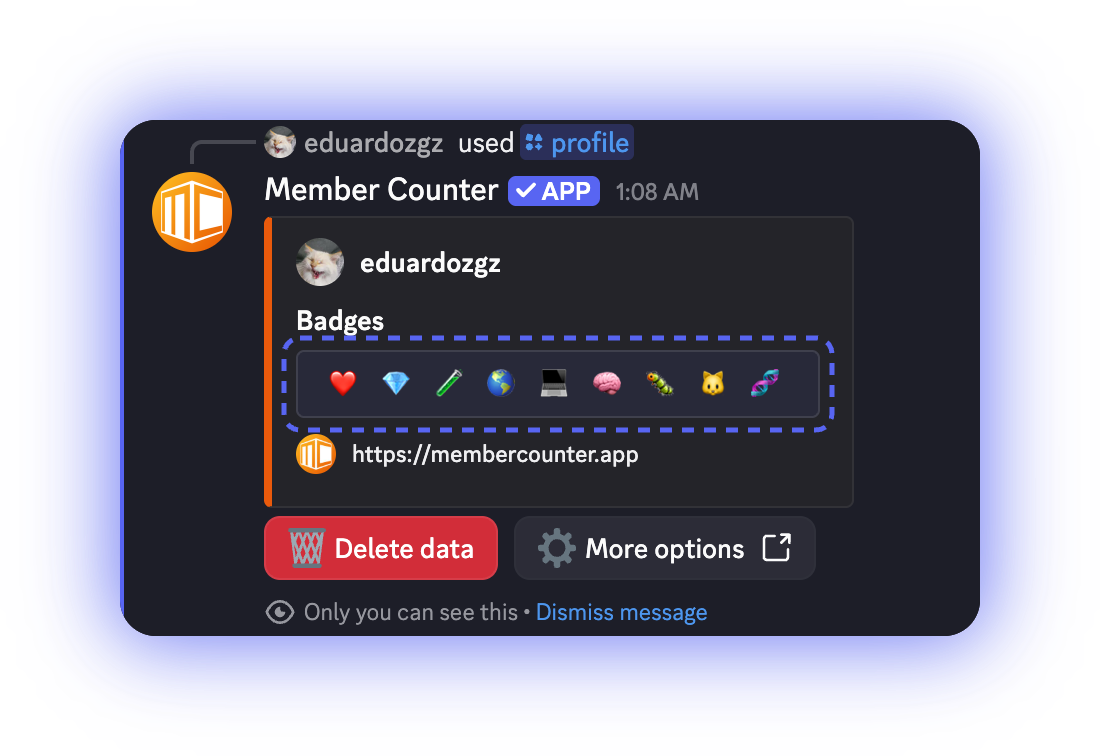
In Discord, the [`/profile`](/commands/profile.md) command shows them in a **Badges** field. Run it on yourself, or pass a user to see someone else's badges. You can also right-click a member and choose **Apps** → **Profile**.
The reply of /profile, with the Badges field
A user who holds no badges gets an empty **Badges** field, and no badges on the account page.
{% hint style="danger" %}
**Delete data** in the reply of `/profile` deletes your Member Counter profile, badges included. There is no way to get them back other than earning them again.
{% endhint %}
## Roles in the support server
Every badge has a matching role in the [support server](https://membercounter.app/support), and the two stay in sync on their own, in both directions. A badge you hold gets you its role, and a role you are given gets you its badge. When a matching role is taken from you, the badge goes with it. Other roles have nothing to do with badges.
Technical details
* Badges are one bitfield on the user record, one bit per badge. The list, its order and the emoji: `packages/common/src/UserBadges.ts`.
* Staff pick badges by name, and the names differ between tools: 🐱 is "Pat Pat" in the admin panel and "PatPat" in `/associate`, 🧬 is "folding\@home" and "Folding @ Home". Users only ever see the emoji and its description. 🐱 is an easter egg.
* 💎 Premium is granted to the account that owns the bot the moment a [custom bot](/custom-bot/how-to-get-a-custom-bot.md) subscription is set up. The bot never takes it away, so it stays on the profile after the subscription ends.
* The role-to-badge pairs are set once by staff with `/associate ` in the support server; everything after that is automatic. It needs Manage Roles, runs only inside a server, and holds one badge per role, so running it again on the same role replaces the mapping.
* The badge-to-role sweep runs when a member joins, over all members whenever the support server becomes available to the bot, and at the end of `/associate`, so an existing member does not have to leave and rejoin. It only adds roles, so a badge removed from a profile leaves its role in place, and it skips members who have no Member Counter profile.
* The other direction runs on every member update in the support server: the badges of the roles just added are set, the badges of the roles just removed are cleared.
* **Delete data** shows on your own profile and to staff holding Manage Users, **More options** to staff holding Manage Users or See Users. `/profile` on someone who has never used the bot or the dashboard answers "User not found." (`knownErrors.USER_NOT_FOUND`).