> For the complete documentation index, see [llms.txt](https://docs.membercounter.app/llms.txt). Markdown versions of documentation pages are available by appending `.md` to page URLs; this page is available as [Markdown](https://docs.membercounter.app/counters-reference/nitro-boosters.md).
# Nitro Boosters
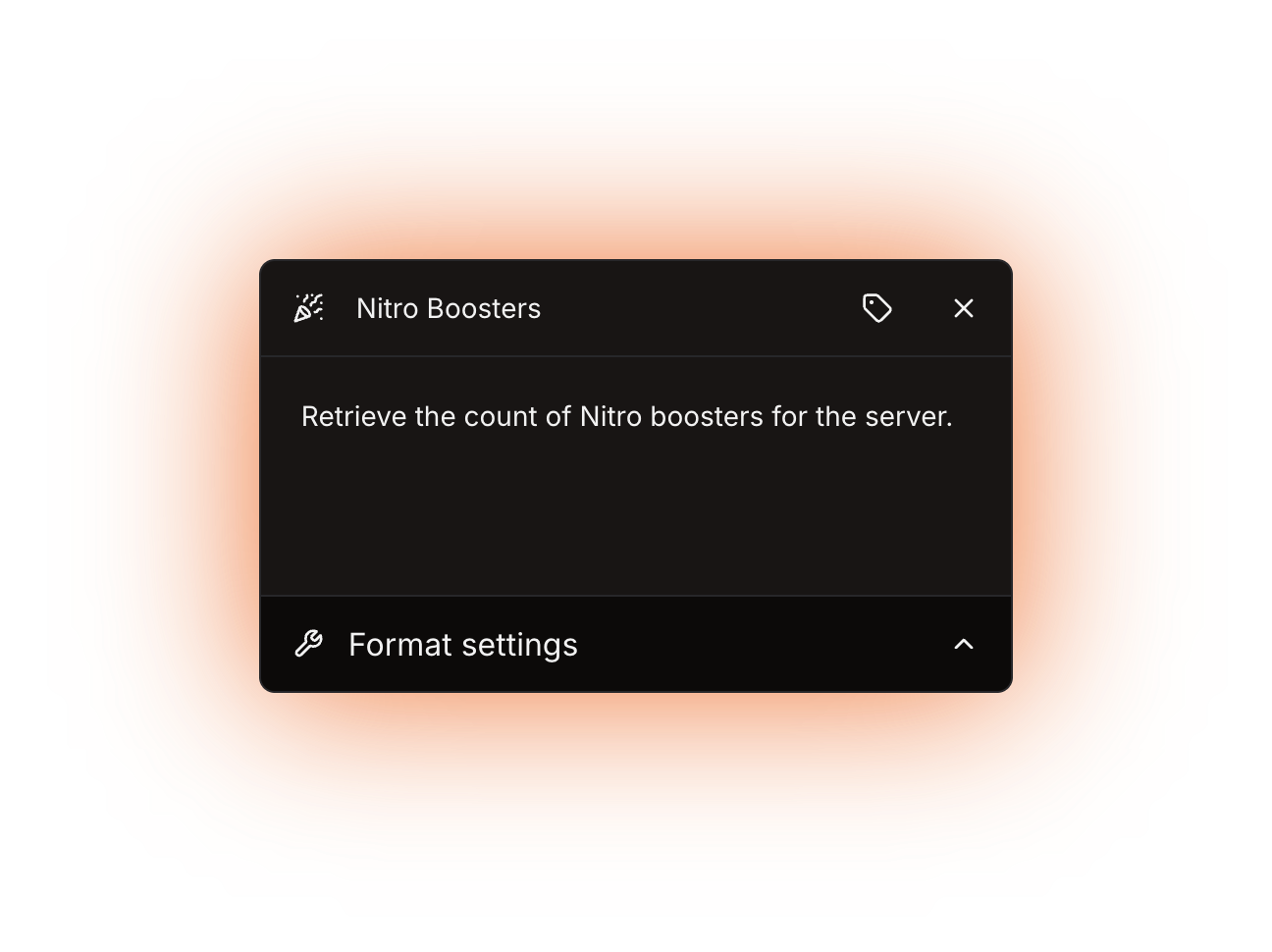
Retrieve the count of Nitro boosters for the server.
This counter shows how many Nitro boosts the server currently has. It takes no options.
**Availability:** every bot. It needs no privileged intents and no paid plan, so the only difference between bots is how often the channel is refreshed.
The Nitro Boosters counter panel
## What it returns
A number: the boost count Discord reports for the server.
{% hint style="warning" %}
This is the number of **boosts**, not the number of people boosting. A member with two boosts adds 2 to the total, so the counter can be higher than the number of names in the server's booster list.
{% endhint %}
When Discord sends no value, the counter shows `0` instead of failing.
## Formatting
Custom digits only reach text and announcement channel **topics**; voice and category channel **names** always show plain digits. See [Format settings](/using-the-dashboard/customizing-counters.md).
## Refresh and caching
The boost count comes from the server data Discord pushes to the bot, so it is accurate as of the last channel update: every **10 minutes** on the public bot and every **5 minutes** on the other bots. See [How counters update](/using-the-dashboard/how-counters-update.md).
## Examples
{% tabs %}
{% tab title="Plain total" %}
Template: `Boosters: {counter}`. This is the channel [/setup server](/commands/setup.md) creates for you.
{% endtab %}
{% tab title="Boosts per member" %}
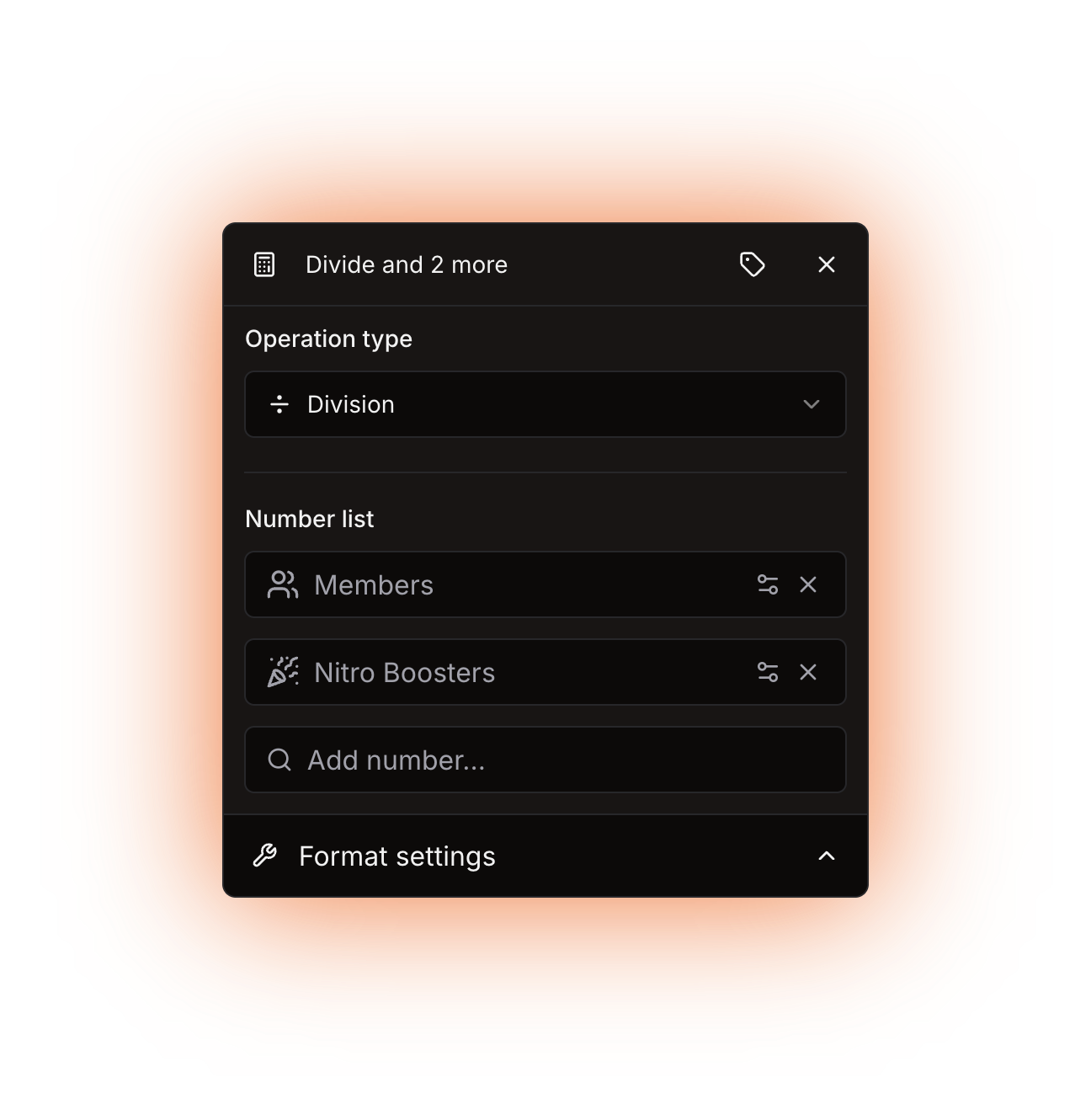
Combine it with the [Members](/counters-reference/members.md) counter inside a [Math](/counters-reference/math.md) counter to show how many members there are per boost.
{% hint style="warning" %}
This only works while the server has at least one boost. With zero boosts the division has a zero on the right-hand side, and the channel then shows `∞` (or `Infinity` with compact notation off) instead of a number.
{% endhint %}
A Math counter dividing Members by Nitro Boosters
{% endtab %}
{% endtabs %}
## Errors
The only message this counter can produce comes from the channel name rule:
| Message | What to do |
| --------------------------------------------------------------- | -------------------------------------------------------------------------------------------------------------------------------------------------------------------------------------- |
| The result for the channel name is less than 2 characters long. | The finished voice or category channel name is a single character, for example a lone `0` on a server with no boosts. Add some text around the counter, such as `Boosters: {counter}`. |
The channel shows `ERROR!` while this is the case, and the channel page shows the reason.
Technical details
* Evaluator: `packages/services/src/DataSource/DataSourceEvaluator/evaluators/nitroBoosters.ts`. It returns `guild.premiumSubscriptionCount ?? 0`, Discord's `premium_subscription_count` field, which is why a missing value comes out as `0` instead of an error.
* That field arrives with the guild data of the `Guilds` intent and is updated by gateway guild events, so the counter makes no API call and has no cache of its own. No privileged intent and no premium flag are involved.
* The `Update channels` job runs on cron `0 */5 * * * *` when `DISCORD_BOT_INSTANCE_IS_PREMIUM` is `true`, and on `0 */10 * * * *` when it is `false`. That variable is the only one that changes anything for this counter when self-hosting.
* The only error the counter can produce is `EVALUATION_RESULT_FOR_CHANNEL_NAME_IS_LESS_THAN_2_CHARACTERS`. It is thrown for voice and category channel names only; topics are not length-checked, they are cut to 1023 characters, while names are cut to 99.