> For the complete documentation index, see [llms.txt](https://docs.membercounter.app/llms.txt). Markdown versions of documentation pages are available by appending `.md` to page URLs; this page is available as [Markdown](https://docs.membercounter.app/counters-reference/roles.md).
# Roles
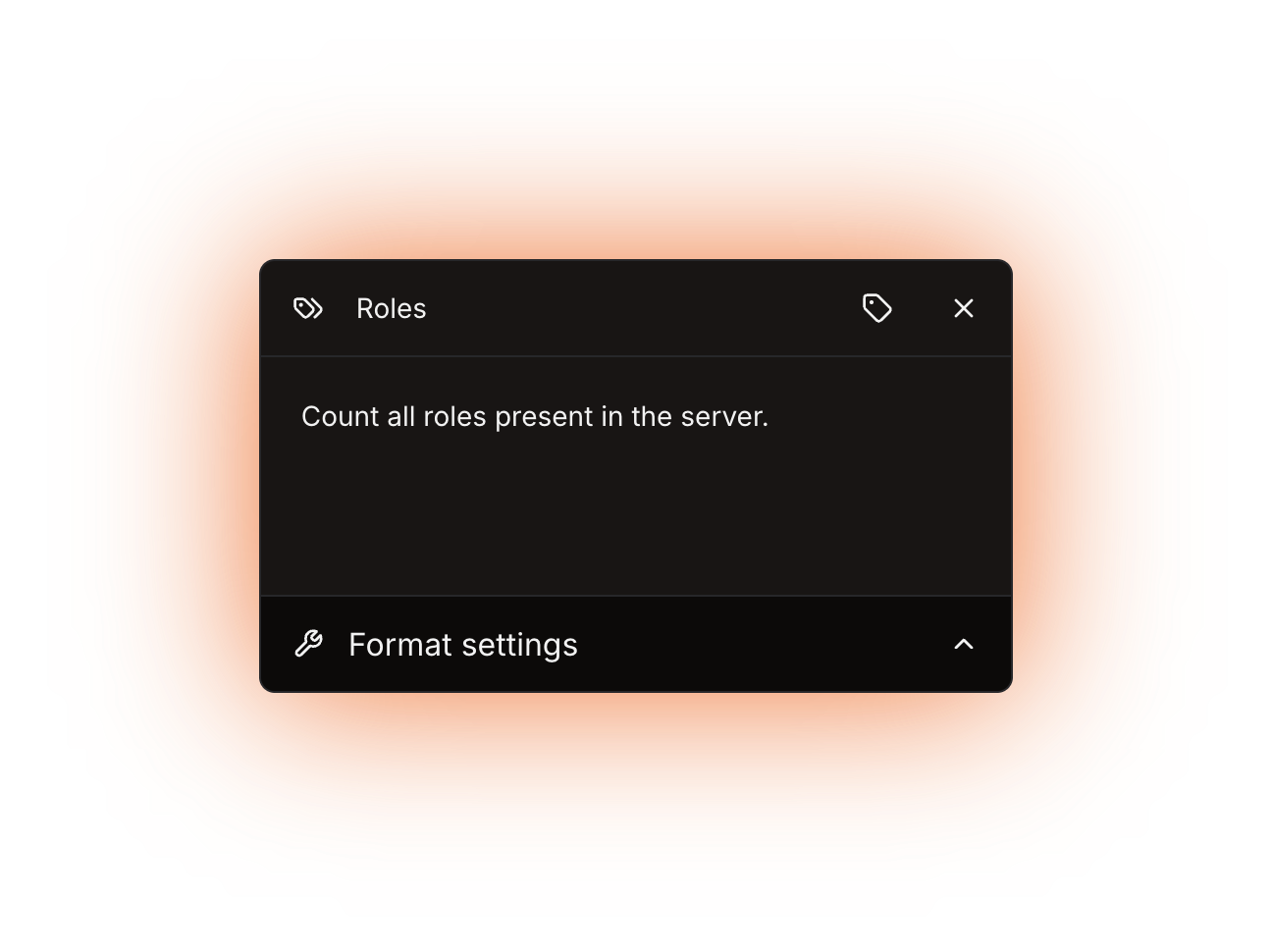
Count all roles present in the server.
This counter shows how many roles the server has. It takes no options.
**Availability:** every bot. It needs no privileged intents and no paid plan, so the only difference between bots is how often the channel is refreshed.
The Roles counter panel
## What it returns
A number: every role in the server.
{% hint style="warning" %}
The total includes the `@everyone` role and every role managed by a bot or an integration, so it is normally higher than the number of roles you created by hand.
{% endhint %}
The counter cannot skip `@everyone` or bot roles on its own. To correct the number, wrap it in the [Math](/counters-reference/math.md) counter and subtract the roles you do not want to count.
## Formatting
Custom digits only reach text and announcement channel **topics**; voice and category channel **names** always show plain digits. See [Format settings](/using-the-dashboard/customizing-counters.md).
## Refresh and caching
Roles are kept up to date by Discord events, so the counter is accurate as of the last channel update: every **10 minutes** on the public bot and every **5 minutes** on the other bots. See [How counters update](/using-the-dashboard/how-counters-update.md).
## Examples
{% tabs %}
{% tab title="Plain total" %}
Template: `Roles: {counter}`. This is the channel [/setup server](/commands/setup.md) creates for you.
{% endtab %}
{% tab title="Without @everyone" %}
Put the Roles counter inside a [Math](/counters-reference/math.md) counter with **Operation type** set to **Subtraction**, then add `1` to the **Number list** to drop `@everyone` from the total. Subtract more if bot roles should not count either.
Order matters: every following entry is subtracted from the first one, so the Roles counter has to come first in the **Number list** and `1` second.
{% endtab %}
{% endtabs %}
## Errors
The only message this counter can produce comes from the channel name rule:
| Message | What to do |
| --------------------------------------------------------------- | -------------------------------------------------------------------------------------------------------------------------------------------------------------------------------------------------------------------------------- |
| The result for the channel name is less than 2 characters long. | The finished voice or category channel name is a single character, which happens on a server with fewer than 10 roles and nothing but the counter in the template. Add some text around the counter, such as `Roles: {counter}`. |
The channel shows `ERROR!` while this is the case, and the channel page shows the reason.
Technical details
* Evaluator: `packages/services/src/DataSource/DataSourceEvaluator/evaluators/roles.ts`. It returns `guild.roles.cache.size` and nothing else: no filtering, no fetch, no cache of its own.
* The role cache comes from the `Guilds` intent and is kept current by gateway events, so no privileged intent and no premium flag are involved.
* The `Update channels` job runs on cron `0 */5 * * * *` when `DISCORD_BOT_INSTANCE_IS_PREMIUM` is `true`, and on `0 */10 * * * *` when it is `false`. That variable is the only one that changes anything for this counter when self-hosting.
* The only error the counter can produce is `EVALUATION_RESULT_FOR_CHANNEL_NAME_IS_LESS_THAN_2_CHARACTERS`. It is thrown for voice and category channel names only; topics are not length-checked, they are cut to 1023 characters, while names are cut to 99.