> For the complete documentation index, see [llms.txt](https://docs.membercounter.app/llms.txt). Markdown versions of documentation pages are available by appending `.md` to page URLs; this page is available as [Markdown](https://docs.membercounter.app/using-the-dashboard/account.md).

# Your account

Your badges, the Autosave switch, credit, server upgrades and how to delete your account.

Open your account page from **Account** in the top bar of the dashboard.

<figure><img src="https://1582170640-files.gitbook.io/~/files/v0/b/gitbook-x-prod.appspot.com/o/spaces%2F-Lu2S5r7lKtu4IK5ucu9%2Fuploads%2Fgit-blob-e5581b6f0ee46dc9396d10eb022670d8253b5af9%2Faccount-overview.png?alt=media" alt="The account page"><figcaption><p>Avatar, username, badges and <strong>Logout</strong> at the top; the <strong>Settings</strong> card and the <strong>Danger zone</strong> below.</p></figcaption></figure>

## Who you are

Nothing at the top of the page is editable: change your name or avatar in Discord and this page follows. An account that has not moved to the new Discord username system still shows its four-digit discriminator after the name, for example `#1234`.

## Badges

Your badges sit under your username, as a row of emoji.

The full list, and how each badge is earned, is on the [badges](/contributing/badges.md) page.

## Settings

The **Settings** card holds one setting, **Autosave**, which saves dashboard forms for you without clicking **Save**.

**It is off by default.** Your account stores it, not your browser, so it follows you to every device you sign in from. It applies to every dashboard form that has a **Save** button: [Server settings](/using-the-dashboard/server-settings.md), the [channel page](/using-the-dashboard/channel-settings.md) that holds the [template editor](/using-the-dashboard/template-editor.md), and, on the hosted service, a [custom bot](/custom-bot/control-panel.md)'s configuration.

With Autosave on, a form saves by itself shortly after you stop typing, and clicking the button still saves right away. Either way, leaving a page with unsaved changes asks you to confirm.

## Danger zone

**Delete account** asks you to confirm first.

{% hint style="danger" %}
There is no undo and no grace period. It deletes your account, your custom bots, your credit balance and your unspent server upgrades.
{% endhint %}

To delete your data but keep your account, use the **Delete data** button of the [`/profile`](/commands/profile.md) command in Discord. There is no button for that on the dashboard.

## Credit

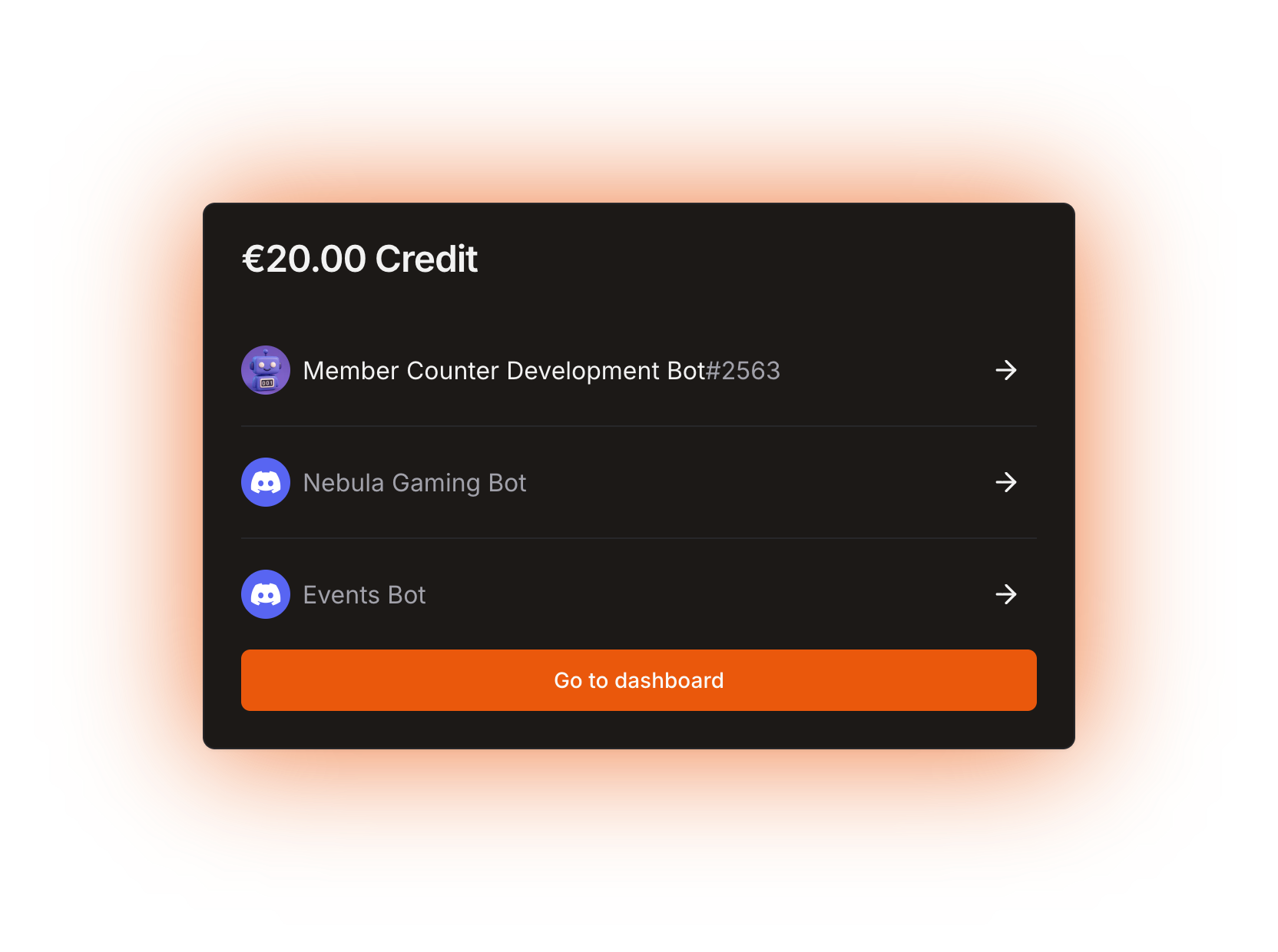
Your credit balance, in euros, shows here when it is not zero.

Credit pays for a [custom bot](/custom-bot/custom-bot.md) instead of PayPal. It is granted by staff in special cases only; you cannot buy it. See [managing your subscription](/custom-bot/managing-your-subscription.md) for how credit is spent.

Your custom bots are listed here too, each with a link to its [control panel](/custom-bot/control-panel.md).

<figure><img src="https://1582170640-files.gitbook.io/~/files/v0/b/gitbook-x-prod.appspot.com/o/spaces%2F-Lu2S5r7lKtu4IK5ucu9%2Fuploads%2Fgit-blob-fccf739098d113b99c67e15a235711cb21f4cd49%2Faccount-credit.png?alt=media" alt="The Credit card"><figcaption><p>The <strong>Credit</strong> card with the custom bots of the account. The amount comes from a test account.</p></figcaption></figure>

{% hint style="info" %}
Credit and server upgrades are part of the hosted service. Neither exists on a [self-hosted bot](/self-hosting/self-hosting.md).
{% endhint %}

## Available server upgrades

Server upgrades are the old way to get premium, from before custom bots existed. This section shows how many you have left, and it also stays visible if a server of yours is already upgraded, so you can re-invite the legacy premium bot there.

<figure><img src="https://1582170640-files.gitbook.io/~/files/v0/b/gitbook-x-prod.appspot.com/o/spaces%2F-Lu2S5r7lKtu4IK5ucu9%2Fuploads%2Fgit-blob-7ec681addea41daa2fab6b0024bdb6ffe7135d1a%2Faccount-server-upgrades.png?alt=media" alt="The Available server upgrades card"><figcaption><p>The <strong>Available server upgrades</strong> card, with the tooltip of the <strong>Upgrade server</strong> button</p></figcaption></figure>

| Button                     | What it does                                                                                                                               |
| -------------------------- | ------------------------------------------------------------------------------------------------------------------------------------------ |
| **Invite premium bot**     | Opens the legacy premium bot's invite for that server. It is only there once the server is upgraded.                                       |
| **Upgrade server**         | Opens a separate confirmation page for that server. It is disabled when the server is already upgraded or you do not have enough upgrades. |
| **Go to server dashboard** | Opens that server in the dashboard.                                                                                                        |

{% hint style="danger" %}
Upgrading a server spends one upgrade and **cannot be reversed**.
{% endhint %}

Server upgrades are the old system and no new ones are sold. If you are choosing today, read [legacy premium vs custom bot](/custom-bot/legacy-premium-vs-custom-bot.md) first.

<details>

<summary>Technical details</summary>

* The username shows `#discriminator` only when it is not `"0"`.
* Badges are a `BigInt` bitfield on the user row; the row is hidden when it is `0`.
* **Autosave** is `prefersAutosave` on the user row, `@default(false)`, read from the session.
* Autosave waits `AUTOSAVE_DEBOUNCE_MS = 10_000` after the last edit, and every edit pushes the deadline back.
* In-app navigation asks for confirmation through `window.confirm`; closing or reloading the tab goes through `beforeunload`, where the browser shows its own wording. The blocker is off in dev builds.
* **Delete account** calls the `user.delete` mutation, which runs `db.user.delete`, then navigates to `/logout`. The user row holds the Discord user id, badges, staff permissions, the autosave preference and the donation links; server settings and channel templates hang off the guild row and survive.
* The site language is not on this page. It is chosen in the top bar: 17 languages, taken from `?lang=`, then the `language` cookie, then the browser, falling back to `en-US` (`apps/frontend/src/lib/i18n/index.ts`).
* Credit and server upgrades live only in the hosted (BIZ) build, as `credit` (EUR cents) and `legacyCredit` (an `Int`) on the user row. `upgradeLegacyPremiumStatus` decrements `legacyCredit` by one and sets `legacyPremiumStatus` on the guild, refusing when the server is already upgraded or the balance is zero. Credit is granted only by the admin `user.update` mutation, behind `ManageUsers`. It is spent automatically on each paid subscription cycle and given back when a transaction is refunded.
* **Invite premium bot** invites the client id in `DISCORD_LEGACY_PREMIUM_CLIENT_ID` (`688714342392135731` in the hosted `.env.example`). Self-hosting has no such code path.

</details>